🔨Bid Packages NEW
Send each trade the scope, the site conditions and the drawings they need — and never a single one of your prices. Subs bid their own line items with no account to create. You get their numbers side by side with what each one left out, because a lower bid that excludes the stain is not a lower price.
📐Plan Sets & Revisions
Upload the drawing set once and route the right sheets to the right trade. Issue a revision and it voids only the bids it actually affects — the electrical change does not blow up your framer's number — and emails every sub the updated set.
📐Measure & Frame Off the Drawings
Set the scale from any printed dimension, then trace. Floor areas come out exact on an L-shaped plan — no width-times-depth guess. Trace the walls and it works out the lumber list: studs, plates, sheathing, joists, by size and length, with the rule beside every number. Trusses and beams stay with the supplier and the engineer, where they belong.
👷Subs & Certificates
Your trades in one list with licence, general liability and workers comp dates. It warns you before you invite an uninsured sub and again before you award the contract, because a sub working uncovered on your job is your exposure, not theirs.
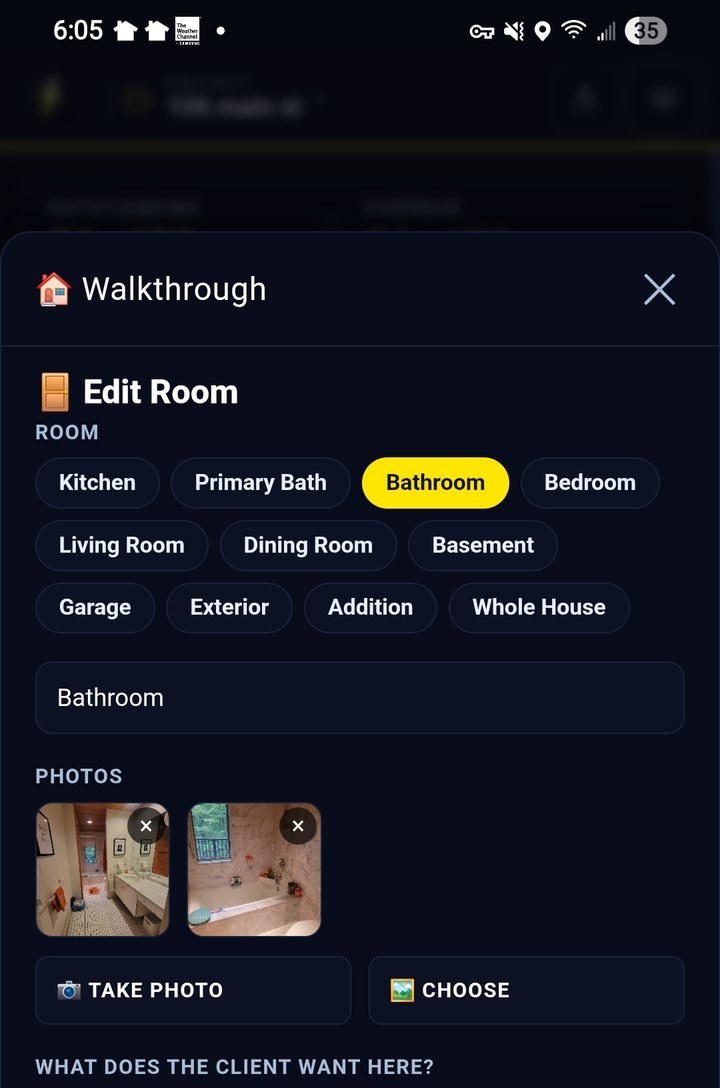
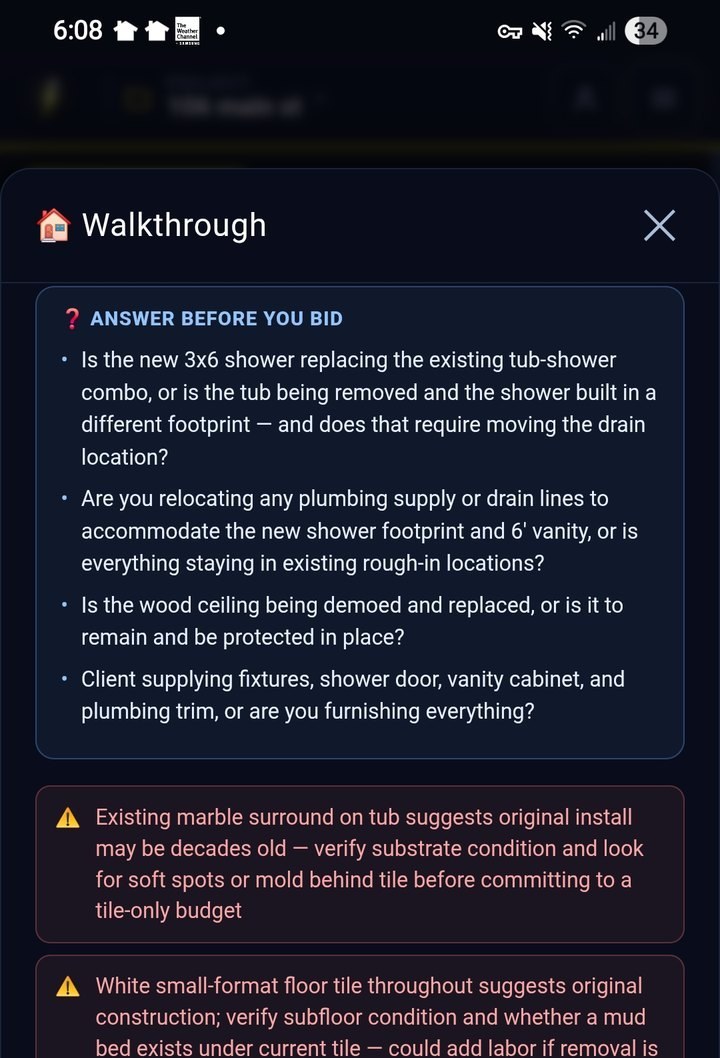
🏠Walkthrough NEW
Walk the space, snap up to six photos, and say what you are doing to it in plain words. It maps the job to the exact cost codes it will touch, drafts your scope lines and exclusions, and hands back the questions that change your price. No prices, no measurements — those stay with you.
📐Estimate from Plans
Drop in the whole set — forty sheets if that is what it is — and every page gets read. It pulls the finishes, the framing spec off the sections, and the header schedule, drafts your scope from what is actually drawn, and tells you what the set doesn't show: septic, well, service, driveway. You confirm the footprint, because on a real set that is a judgement call, not a lookup.
⚡Quick Estimate by Sq Ft
Pick a job type, enter the square footage, and get a full line-item estimate in seconds. 14 job types — from a single bathroom to a full new house or detached garage — priced Budget, Standard, or Premium.
📋Cost Sheet, Room by Room
170 pre-loaded codes in the starter library, or load the full CSI library at 482 across 24 divisions. Tap any line for Material, Labour, Sub, Allowance, and Other. Price the same code separately in the kitchen and the powder room, with subtotals per room and a grand total that always ties out.
📊Your Unit Rates
What a unit of work costs you, per cost code. Where the drawings gave a quantity and you have a rate, the line is priced from measurement rather than a share of a square-foot figure — and it says which is which. Start from national ballparks, replace them as you go.
📄Proposals & Payment Schedule
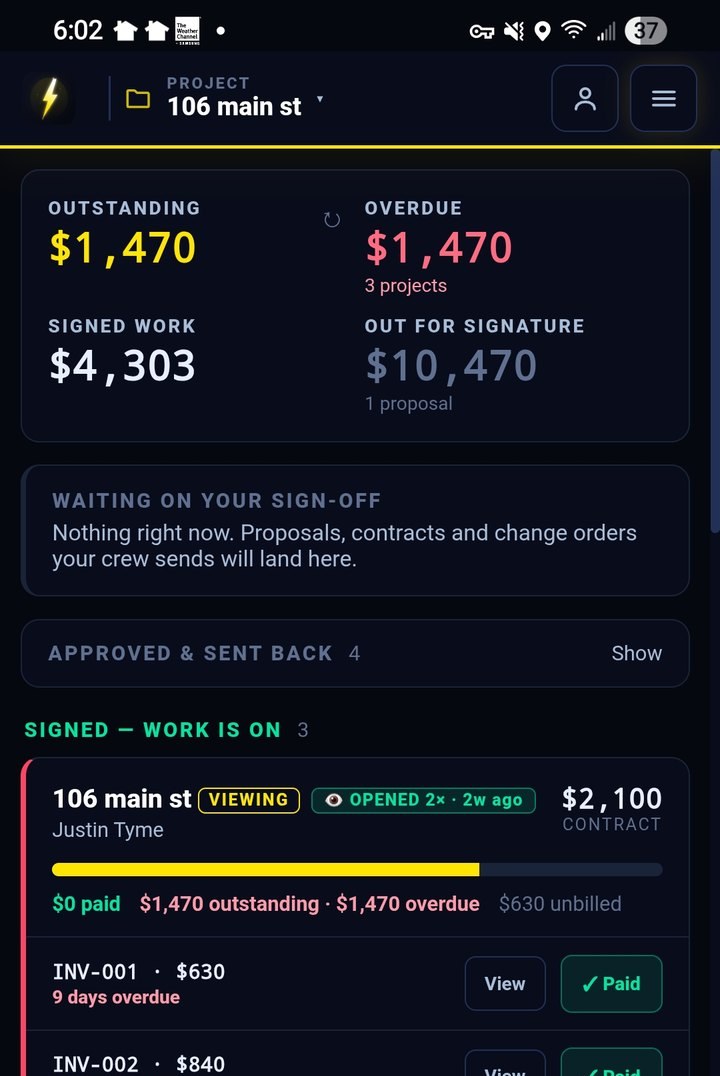
Turn the estimate into a branded proposal with your logo and colors: scope, inclusions, exclusions, and terms. Show every line item or just the number. Attach the 5-milestone deposit schedule so the client sees exactly what is due and when.
📋Punch List
Walk the job at the end and log what is left, room by room, with a photo on each item. Assign every item to the trade that owns it and share their list with them — so the painter gets the painter's items and nobody argues about who is holding up the last payment.
🏷️Custom Cost Codes
Your company uses different codes? Edit, rename, add, and reorder every category and line item. Export your code library and load it on any device.
📊Export & Share
One tap exports a complete .xlsx workbook — full cost sheet, deposit schedule, and calculators. Hit Share and the estimate goes straight to your client through the native share sheet: AirDrop, email, WhatsApp, whatever you use.